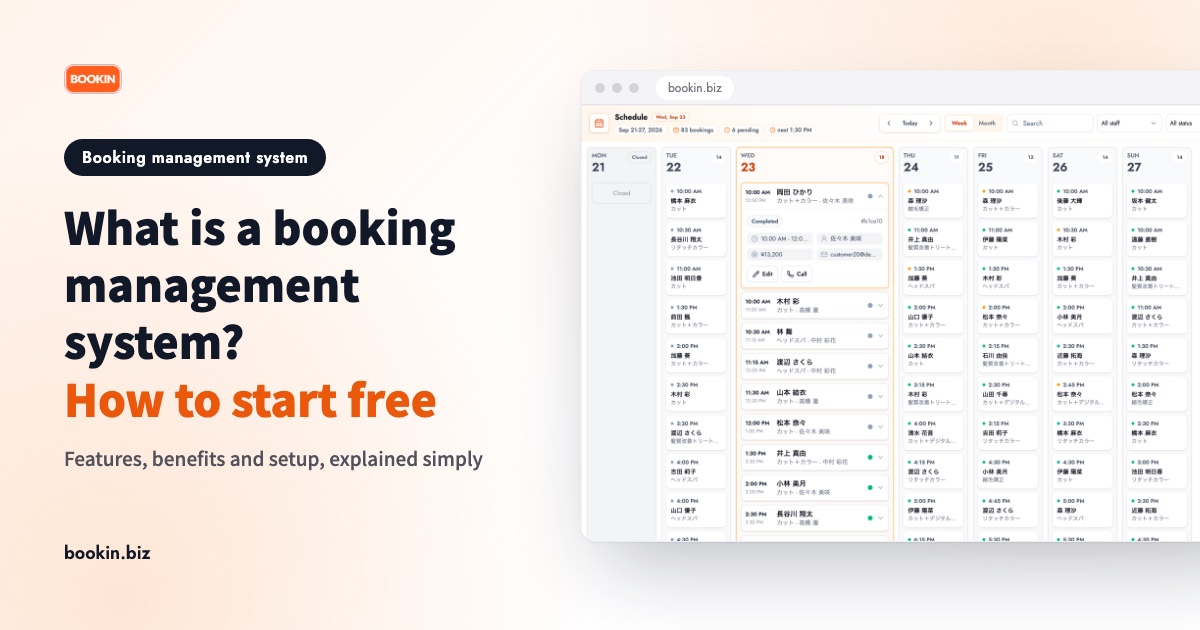
You keep hearing about "booking management systems", but how are they different from a paper diary or a spreadsheet, and does your shop actually need one? Plenty of owners are asking the same thing.
This guide explains what a booking management system is, starting from how it differs from paper and Excel. It then covers the main features, the benefits and pitfalls, and how to get started on a free plan.
What is a booking management system?
A booking management system is a tool that handles everything from taking a booking, to tracking availability, to contacting the customer, to keeping a record after the visit, in one place.
You'll also see it called an online booking system. Most of the time the term covers both sides: the screen where customers make a booking, and the screen where the business views and adjusts them. That's the meaning used here.
How it differs from paper or Excel
| Paper / Excel | Booking management system | |
|---|---|---|
| Taking bookings | Phone, in person, DMs | A web booking page open 24/7, plus phone bookings you enter yourself |
| Availability | You check by eye | Slots fill automatically, so nothing overlaps |
| Contacting customers | By hand | Confirmations and reminders can be sent automatically |
| Sharing with staff | One diary or file everyone fights over | Everyone checks from their phone or computer |
| Customer records | Kept separately | History sits alongside the booking |
The core difference is that once a booking comes in, updating availability and contacting the customer happen automatically. With paper or Excel, a person does all of that by hand.
What a booking management system can do
Products differ in the details, but a system built for small shops generally covers the following.
1. 24/7 web booking
Customers pick an open time from their phone, even outside business hours. Bookings you'd have missed while with a client or a patient get captured instead.
2. Real-time availability
Once a time is taken it's blocked off, which prevents double-booking. Register each service's duration, your opening hours and your days off, and only the slots you can actually take are shown.
3. Viewing, changing and cancelling bookings
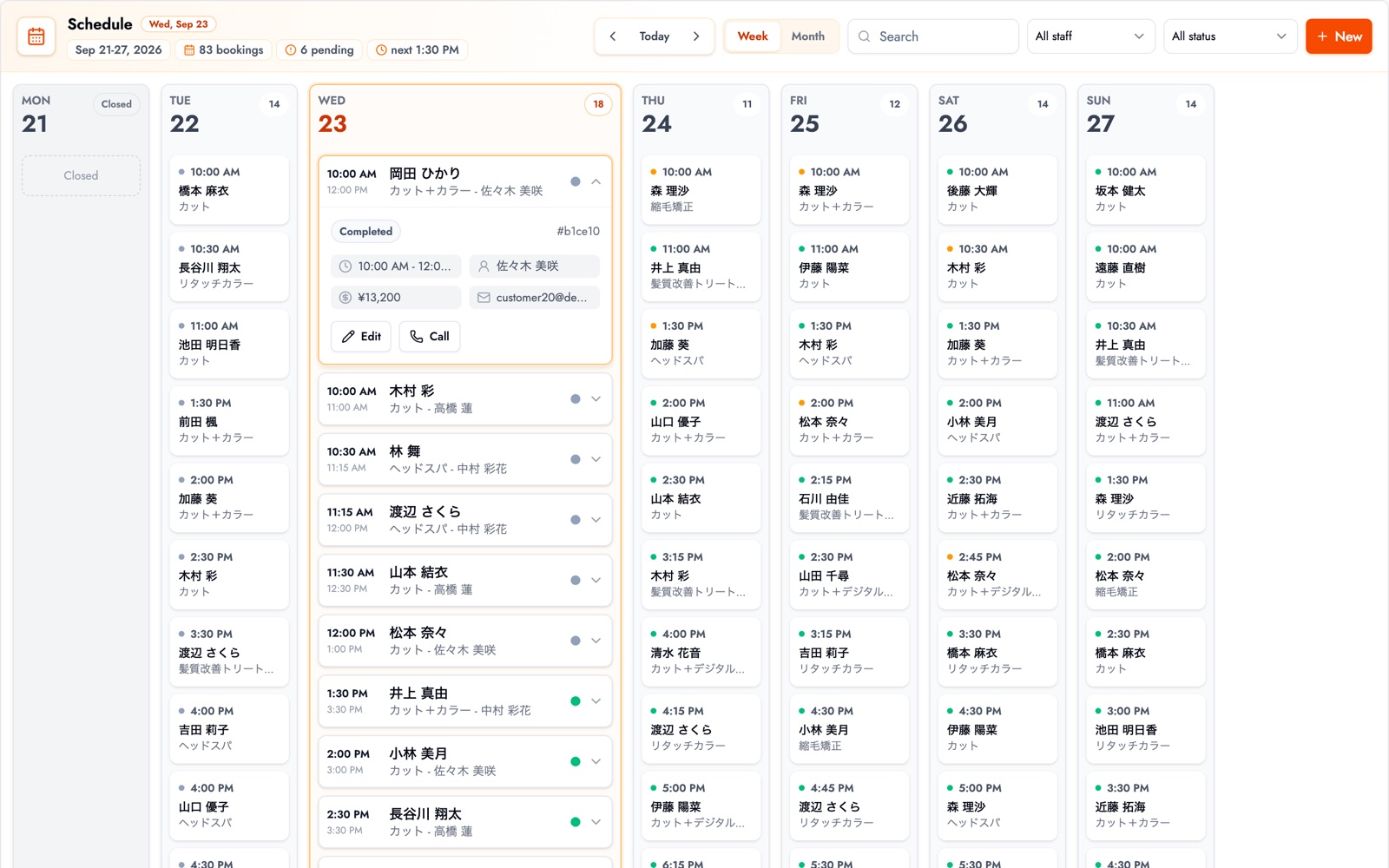
Look across the schedule by day, week or month, and apply time changes or cancellations from the same screen. Bookings taken by phone can be entered manually and managed alongside web bookings.
4. Automatic notifications and reminders
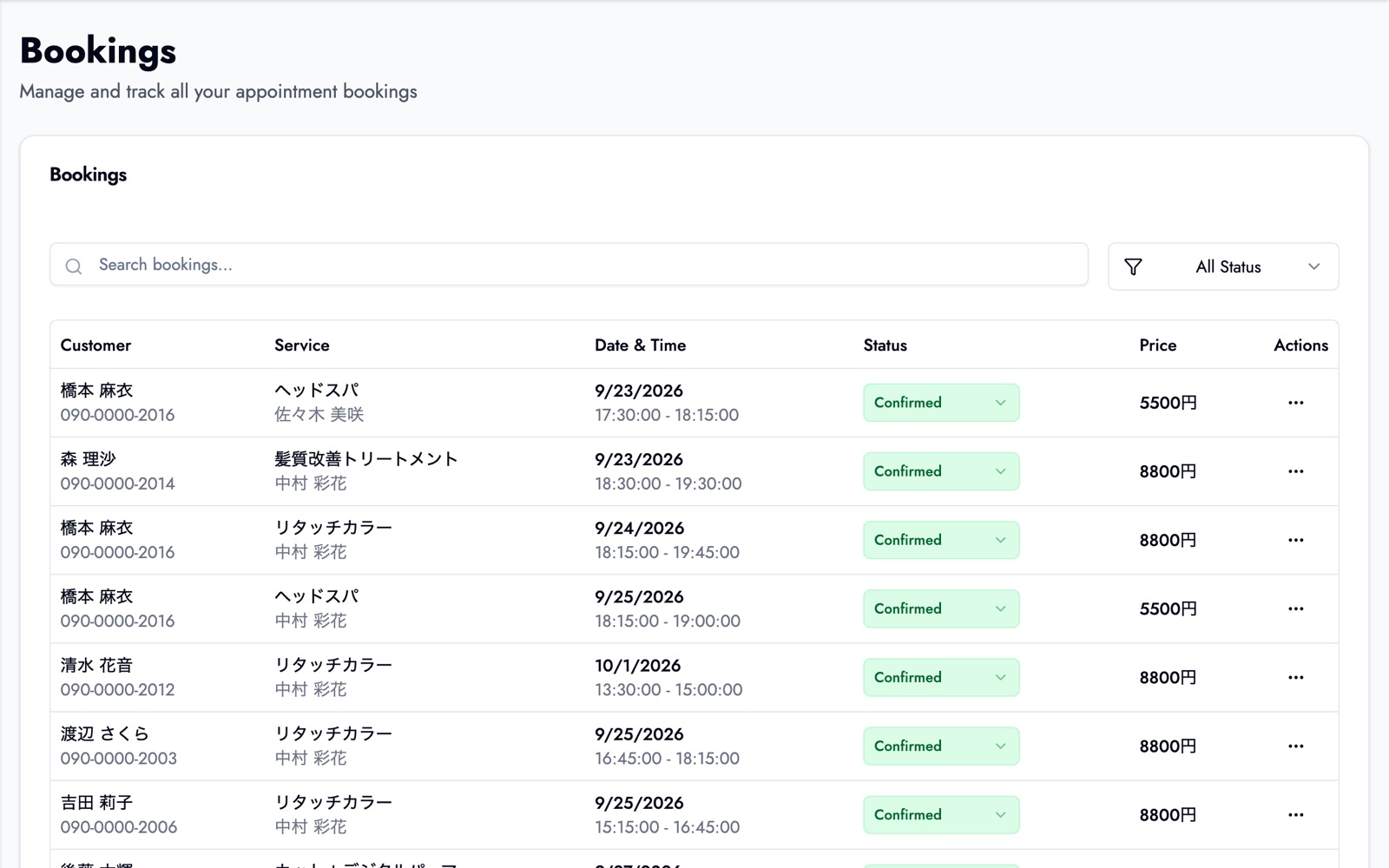
Some systems send booking confirmations and pre-appointment reminders by email or LINE. Reminders are one of the more noticeable no-show countermeasures, since they target the simple "I forgot" cancellation.
5. Customer records
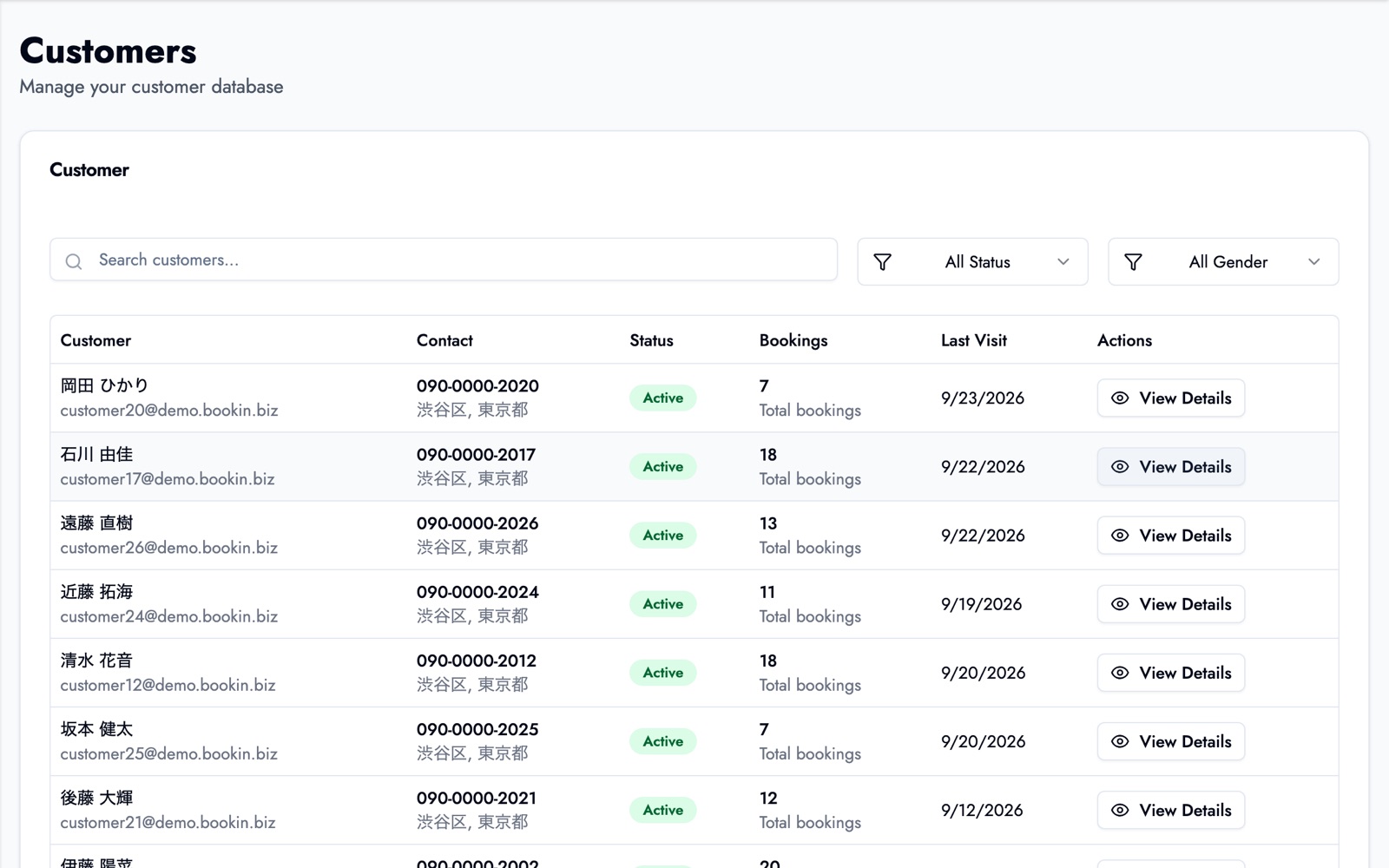
Keep visit counts, last visit date, contact details and notes tied to each booking, so you can see what happened last time when the next booking arrives.
Benefits and pitfalls
Benefits
- Fewer interruptions from the phone: you stop dropping what you're doing for every booking and can focus on the customer in front of you.
- Fewer double-bookings and mishearings: customers type their own date and name, so transcription errors are rare.
- No more lost after-hours bookings: the page catches customers who decide in the evening or on a break.
Pitfalls
- Regulars won't switch overnight: phone bookings will stick around for a while. Enter those into the same system so everything stays in one place.
- Too many features can go unused: for a small shop, booking intake, availability and reminders are usually enough to start.
- Free plans come with conditions: caps on bookings, services or staff are common. Check that the limits fit the size of your business before you commit.
How to start a booking management system for free
If you want to test the waters, start with a system that has a free plan. Here is the flow using BOOKIN as the example.
- Create an account: sign up with an email address in a few minutes, no credit card needed.
- Add your services and hours: set each service's duration, plus opening hours and days off.
- Share your booking page: point customers to the public booking page URL from your website, Google Business Profile, social profiles or a QR code.
What BOOKIN's free plan covers
BOOKIN's free plan gives you a web booking page along with basic booking management and a dashboard. There are caps on bookings, services and team members, and notifications are limited to the dashboard.
LINE booking, email notifications, and customer visit history and notes are on paid plans. See the free booking system page and the pricing page for the details.
If you already use a LINE official account, BOOKIN also supports LINE booking, so customers can book from the conversation they're already in.
3 things to look for when choosing one
Weigh how well it fits your daily routine more than how many features it lists.
- Is it easy for customers to book? Can they do it on a phone without getting lost, and can they use it from LINE?
- Can you use the admin screen every day? Can you view and change bookings from a phone or computer, and can every staff member operate it?
- Is the free plan realistic? Check the limits and the missing features up front.
For a deeper look at comparing options, see our comparison of free booking systems. If you'll mostly be on a phone, how to choose a booking management app helps too.
Looking for industry-specific pages? There are ones for salons, dental clinics and clinics.
Wrapping up
- A booking management system brings booking intake, availability, customer contact and records into one tool
- Unlike paper or Excel, availability and customer contact update automatically once a booking is made
- To start small, pick one with a free plan and try intake, availability and reminders first
- Choose by fit with your daily operations, not by feature count
Sign up for free and publish a single booking page to get started. Our guide to streamlining booking management walks through moving off paper or a spreadsheet.
Take bookings online with BOOKIN. Set up in minutes, free plan available.
Start for free