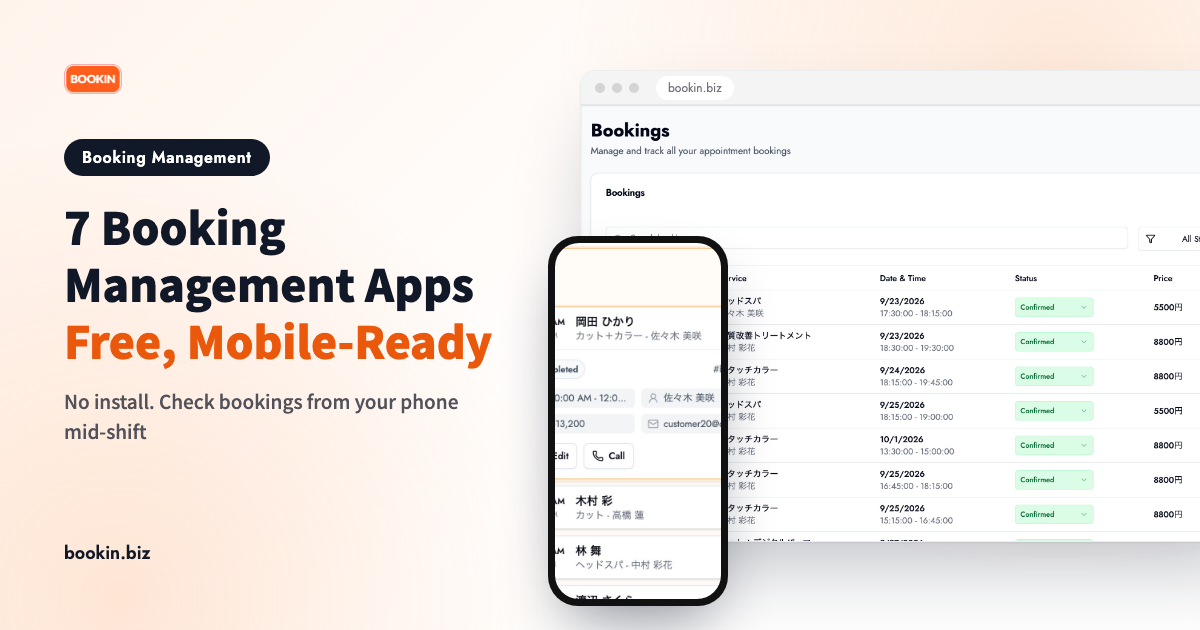
Mid-appointment, or in the middle of ringing up a customer, do you ever have to stop and walk back to a paper diary just to check a booking?
Paper schedules don't travel with you. And getting every staff member to install a dedicated app isn't easy either. This post compares 7 free booking management apps and how to choose one that actually works from a phone.
Two kinds of "booking management app"
Once you start looking, booking management apps fall into two broad types.
- Dedicated app: downloaded from the App Store or Google Play. Every staff member needs it installed on their own device.
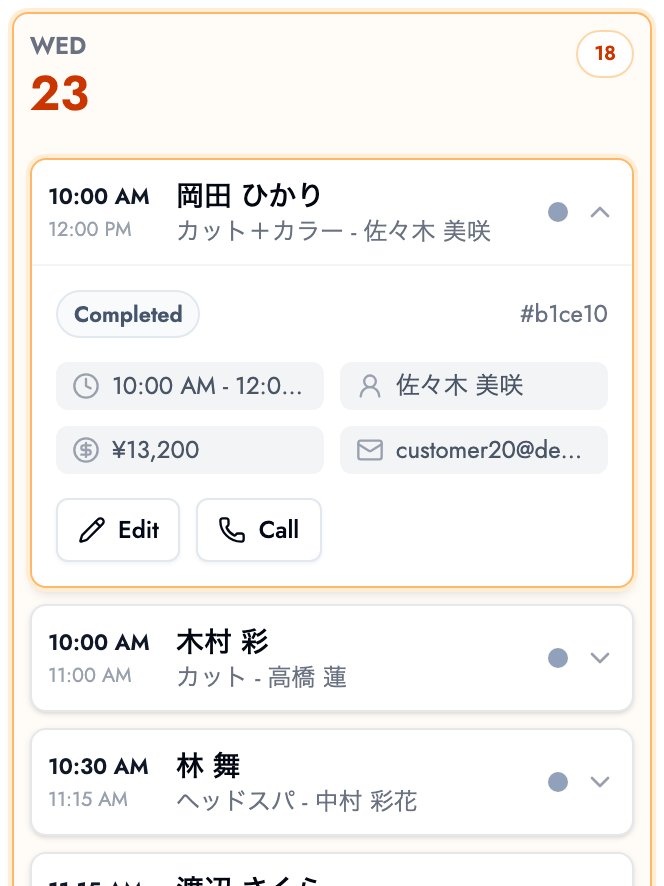
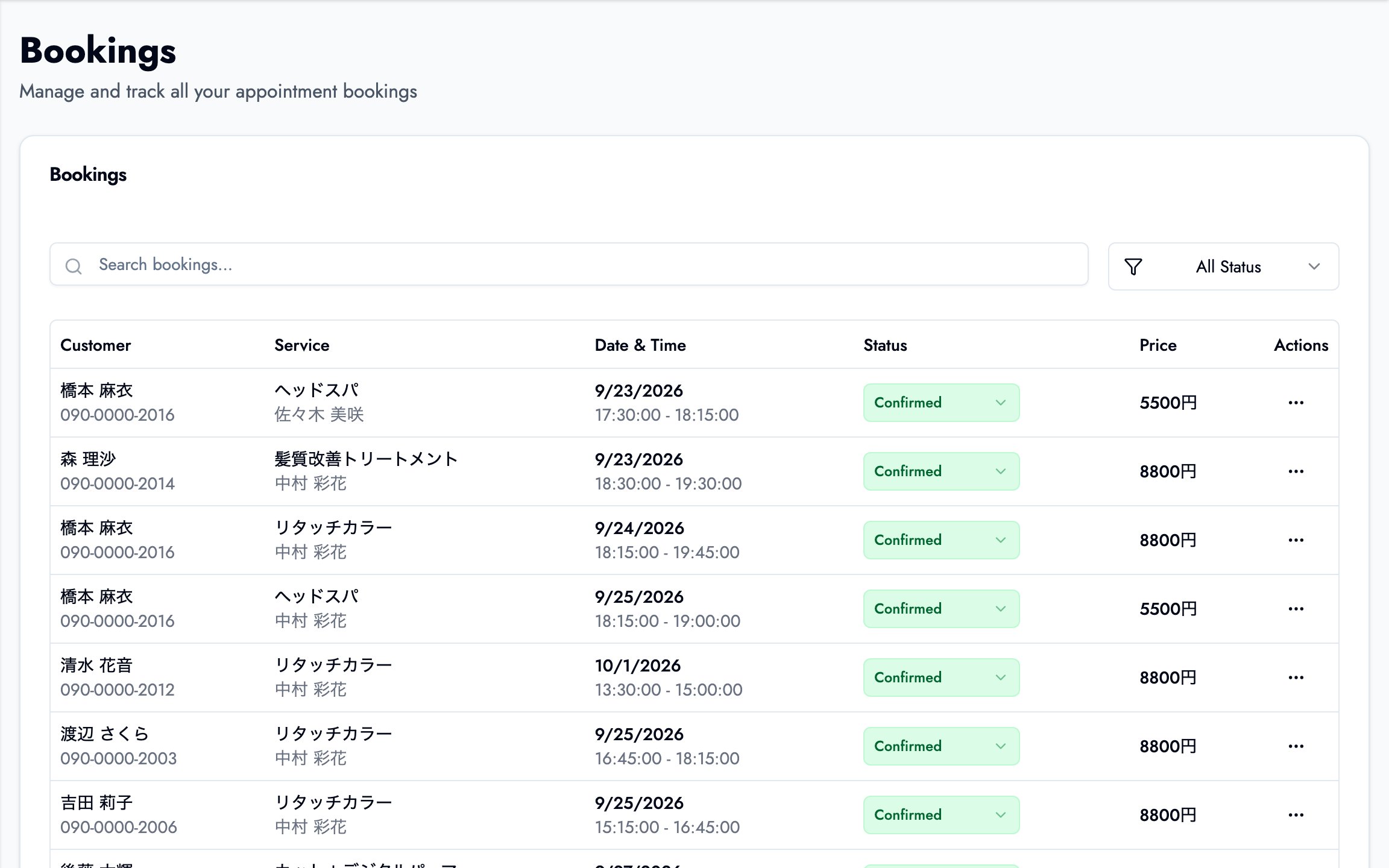
- Browser-based, no install: log in from any phone's browser and check bookings without installing anything.
If your staff turns over often, or some team members don't want a work tool on their personal phone, the no-install browser type creates less friction.
7 free booking management apps compared
| Tool | Type | Mobile booking view | Auto reminders | LINE integration |
|---|---|---|---|---|
| BOOKIN | Browser-based (no install) | Free plan | Free plan | Paid plan |
| Square Appointments | Dedicated app | Yes | Mostly paid | No |
| Kokichi App | Dedicated app | Yes | Varies | No |
| RESERVA | Browser-based | Yes | Varies by plan | Some plans |
| STORES Booking | Browser-based | Yes | Varies by plan | Some plans |
| freee Reservations | Browser-based | Yes | Varies by plan | No |
| Air Reserve | Browser-based (Air series) | Yes | Varies by plan | No |
Free-plan terms change over time for every tool here — always check the current details on the vendor's own site before signing up.
BOOKIN
BOOKIN is browser-based with no install: the same URL works from a phone or a laptop. The free plan already includes today's booking list, automatic pre-appointment reminders, and each customer's visit history. Sharing your booking page link over LINE or Instagram works on the free plan too; accepting bookings directly inside a LINE official account is a LINE booking feature on paid plans. See what's included on the free plan.
Square Appointments
A dedicated app downloaded from the App Store, built around Square's payment platform. It doubles as a checkout terminal, so it suits businesses that want payments and bookings handled from the same device.
Kokichi App
A dedicated app that syncs customer records with bookings. A fit if you already keep customer notes and want them on your phone alongside the schedule.
RESERVA
Browser-based, no install required. Its strength is industry-specific booking form templates across a wide range of business types.
STORES Booking
Formerly Coubic. Browser-based, with strong support for memberships and class-pass style bookings — a natural fit for schools and studios where staff take turns checking the schedule from their own phones.
freee Reservations
Formerly tol. Browser-based and built around integration with freee accounting software. The booking features themselves stay simple, which suits sole proprietors who don't need complex staff management.
Air Reserve
Browser-based, designed to pair with other Air-series tools like Air Register. If you already use the Air series, this adds booking management with one more login rather than a whole new system.
3 things to check if you'll be using it from your phone
The comparison table only tells part of the story. Here's what matters for day-to-day mobile use.
1. Does it need to be installed?
For businesses with more staff, or frequent part-time turnover, a no-install browser tool cuts the onboarding cost every time someone new joins — and it avoids putting a work app on anyone's personal phone.
2. Can you change bookings, not just view them?
Handling a same-day cancellation or time change from your phone, on the spot, is a real difference from apps that only let you view the schedule. Some tools require you to go back to a desktop to make any changes.
3. Are reminders included on the free plan?
Automatic pre-appointment reminders are one of the more effective ways to cut no-shows, but many tools reserve them for paid plans. It's worth checking how much reminder functionality is actually free before you commit.
Wrapping up
- Booking management apps split into "dedicated app" and "no-install, browser-based" types
- The more staff you have, or the more it turns over, the more a browser-based tool simplifies day-to-day operations
- Choose based on whether you can make same-day changes from your phone, not just view the schedule
If you're moving off paper, phone calls or a spreadsheet, our guide on streamlining booking management walks through the steps. Start with a free plan and see what it feels like to check bookings from your phone.
Take bookings online with BOOKIN. Set up in minutes, free plan available.
Start for free