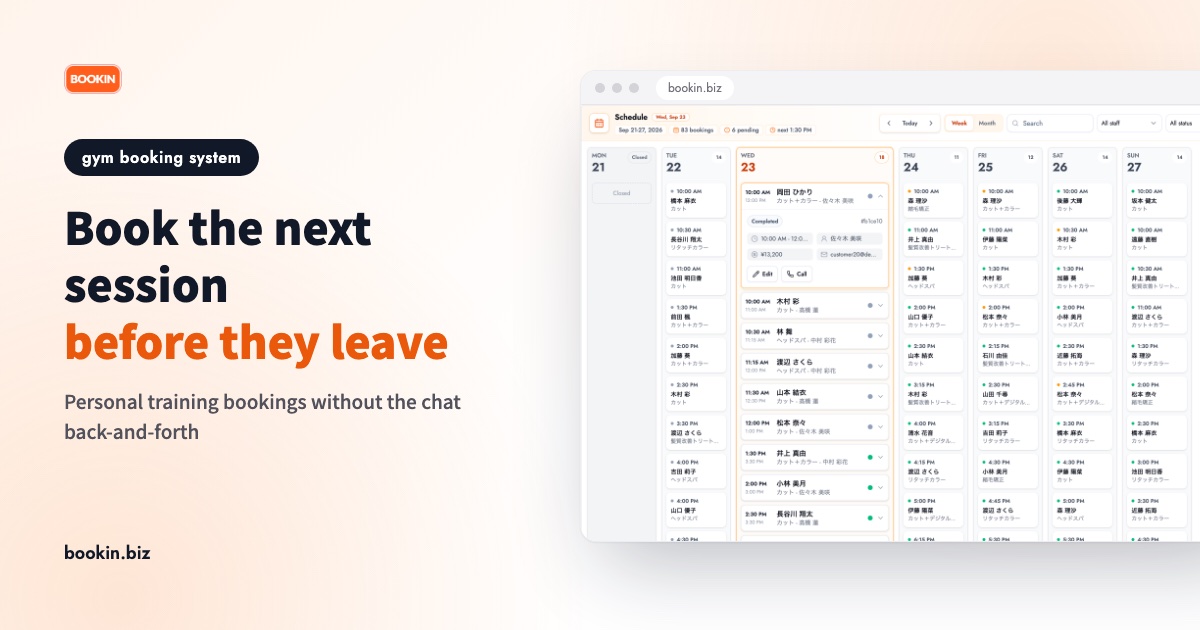
The session ends, and your client heads out with "I'll message you about next week." That evening, after closing, you open your messages, list your free times, wait for a reply, and go back and forth again. At many personal training gyms, scheduling eats more of the trainer's evening than the training did.
And sometimes that message never comes. For a business built on regular sessions, a growing list of clients with nothing booked costs far more than one empty slot.
This guide is for personal training gyms run by one trainer or a small team. It covers how to choose a gym booking system and how to run it so clients book their next session before they walk out the door.
Three booking problems every personal training gym knows
- Scheduling becomes after-hours work. Each chat thread is short, but as your client list grows it turns into a nightly job.
- Clients leave without a next session. "I'll let you know once I see my work schedule" turns into a gap, and the gap turns into a client who stops coming.
- No-shows and last-minute cancellations leave holes. A one-to-one session can't be filled by someone else at the last minute. One empty slot is that hour's revenue gone.
What you want from a gym booking system is to shrink all three without pulling the trainer away from the floor.
How to choose a gym booking system: 5 things to check
1. Can clients book and check sessions from their phone alone?
Most clients plan their week on their phone, between meetings or on the train. Open your booking page link on your own phone and check that you can see open times and finish a booking without installing an app or creating a complicated account.
2. Can you set different session lengths and types?
A 50-minute training session, a 30-minute stretch session, a first trial with a consultation: gym sessions vary in length. Check that each service can have its own duration and that availability is calculated from it. If everything uses the same slot length, long sessions run into the next booking.
3. Does it handle a schedule per trainer?
If you have more than one trainer, clients need to book against each trainer's own schedule. Even if you train alone today, check that you won't have to switch systems when you hire a second trainer.
4. Do automatic reminders prevent forgotten sessions?
Most no-shows are simply forgotten bookings. An automatic reminder before the session saves you from messaging every client the day before. Check how reminders are sent, too (email, LINE).
5. Can you start small (free plan, no credit card)?
Systems built for large fitness clubs often bundle door access and membership billing. If all you need is to take personal training bookings, that extra setup just slows you down. Check whether there's a free plan and whether you can start without a credit card. Pricing models vary widely, so check each vendor's official site for current terms. We cover choosing a minimal tool in simple booking systems, and compare tools you can start for free in free booking systems for small businesses.
Get the next session booked before the client leaves
A gym booking system won't end the back-and-forth if the next session is still left for "later." The single most effective habit is booking the next session on the spot, as the current one ends.
- Make the last five minutes of the session about the next one. During the cool-down or feedback, ask "When shall we do next time?" and have the client open your booking page right there. When clients book on their own phone, you don't have to enter anything for them.
- Put the booking page where clients get ready to leave. A card with the booking page QR code or link at the front desk or by the locker room mirror lets clients book while they pack up.
- Default to the same day and time. For weekly clients, offering the same slot every week makes the decision easy. Clients with unpredictable schedules can book one tentative session and change it from the booking page later.
- For clients who couldn't decide, just send the link. Instead of trading free times back and forth, send one booking page link and let them pick a time that suits them.
Cutting no-shows and last-minute cancellations
- Send a reminder the day before. Simply reminding clients of the time prevents most accidental no-shows.
- Put your cancellation policy on the booking page. "Please change or cancel by the day before" should be visible at the moment they book.
- Make it easy to get in touch. When contacting you feels awkward, clients just don't show. If they tell you in advance, you can offer the slot to someone else.
We go deeper in how to reduce no-shows.
Taking personal training bookings with BOOKIN
BOOKIN is a booking system built so small businesses can start taking online bookings right away. For a personal training gym, it works like this:
- 24/7 online booking. Clients can see open times and book from their phone even outside opening hours. No app to install.
- Durations per service. Set a duration for personal training, trial sessions, stretch sessions and so on, and availability is calculated automatically. Booked times can't be picked again, so there are no double bookings.
- Automatic reminders. A notice goes out before each booking so fewer clients forget.
When a client picks a service on your booking page, only the times they can actually book are shown. At the end of a session, they can tap "same time next week" right there.
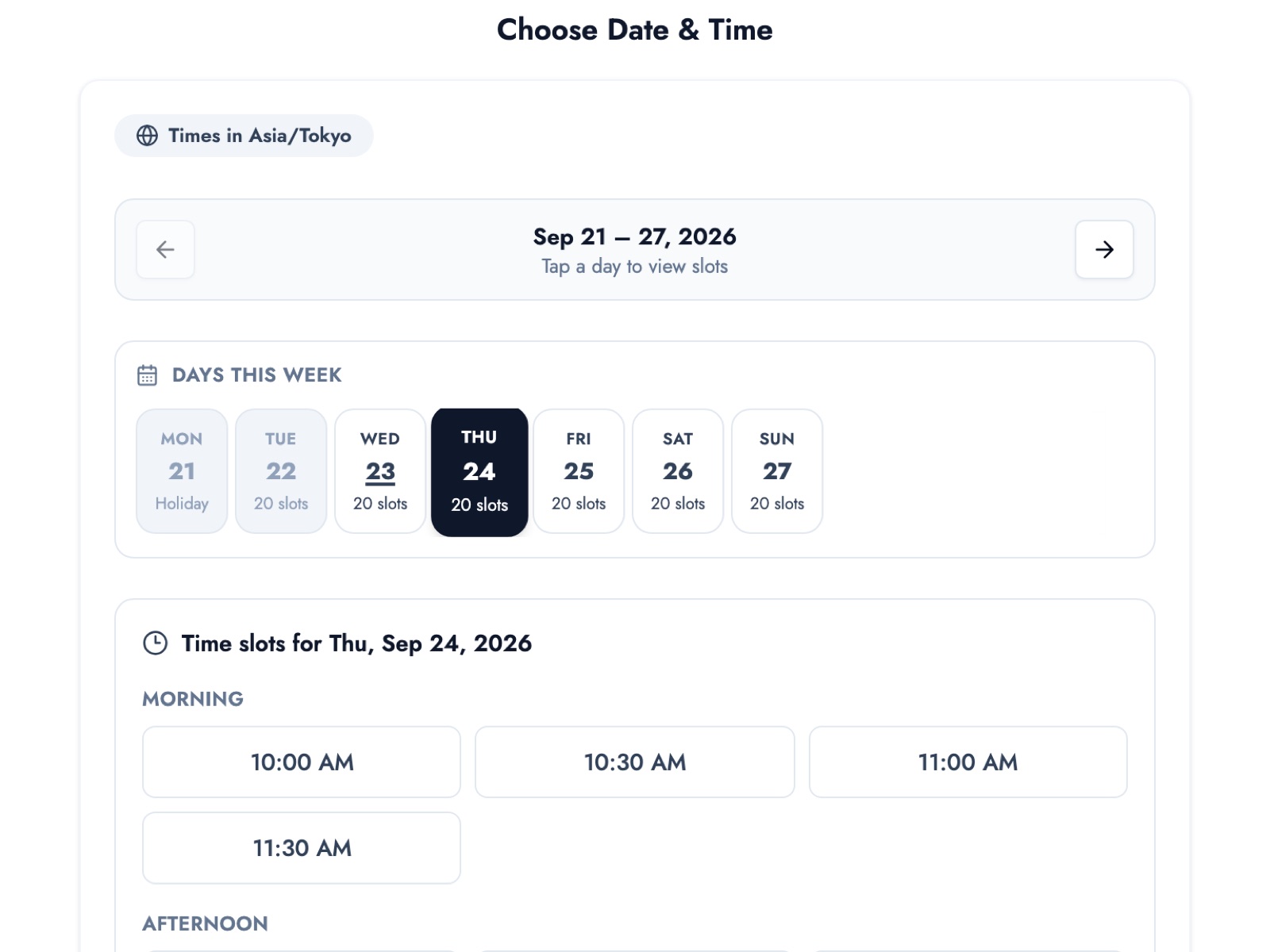
Screens are from our demo business (a hair salon). A gym takes bookings on the same screens.
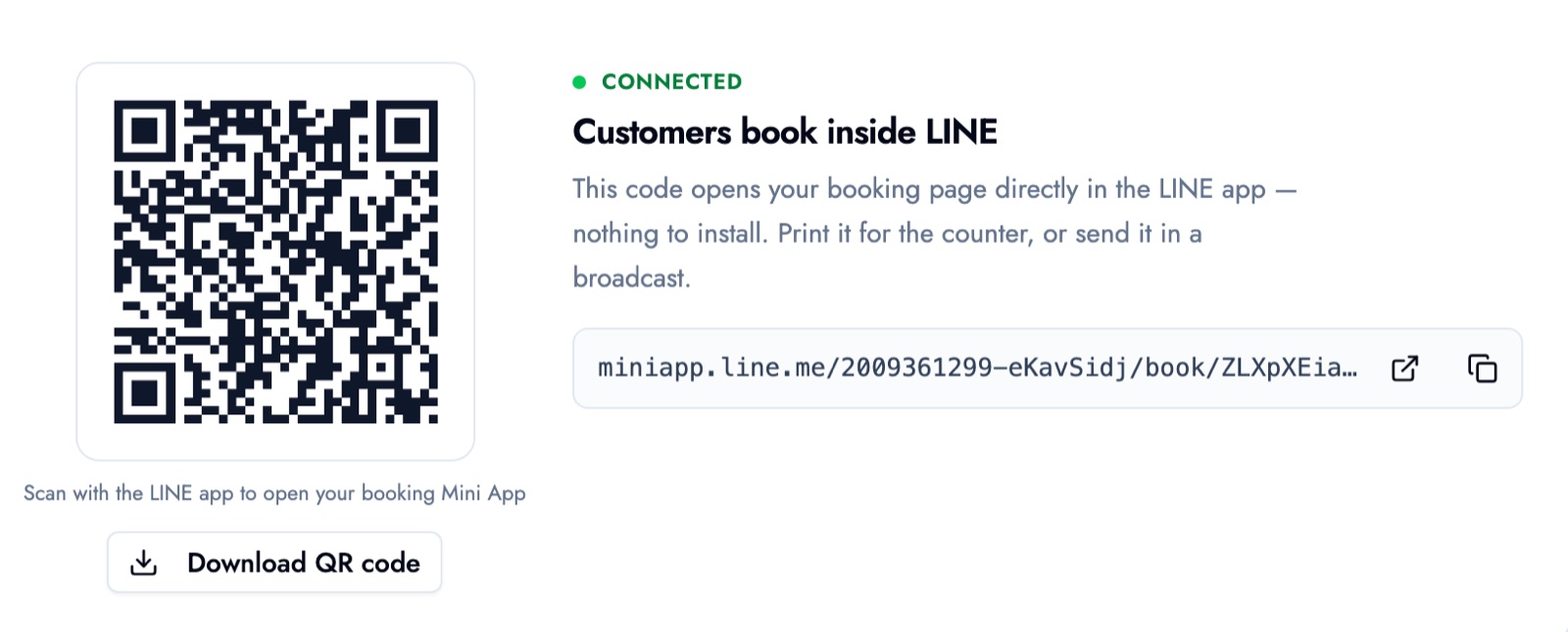
On paid plans you can also get a QR code that opens your booking page inside LINE. Print it for the front desk and clients only need to scan it with the LINE app.
The free plan covers up to 50 bookings a month, up to 3 services and one team member, and clients can book up to 15 days ahead. For weekly clients, booking next week's or the following week's session at the door fits comfortably in that window. No credit card required, so a good start is publishing three services, such as personal training and a trial session. Booking through LINE, a booking page QR code, per-client visit history and notes, booking a client's next session from the dashboard (follow-up booking), multiple trainer accounts and a longer booking window are on paid plans. See our gym booking system page for how it fits a gym.
Summary
- Personal training gyms struggle with after-hours scheduling, clients leaving without a next session, and no-shows
- Choose a gym booking system on phone-only booking, per-service durations, per-trainer schedules, automatic reminders, and whether you can start small
- Book the next session in the last five minutes, on the client's own phone
- For clients who can't decide, send the booking page link instead of trading times over chat
Start with three services on the free plan, and at the end of your next session, ask your client to open the booking page before they leave.
Take bookings online with BOOKIN. Set up in minutes, free plan available.
Start for free